
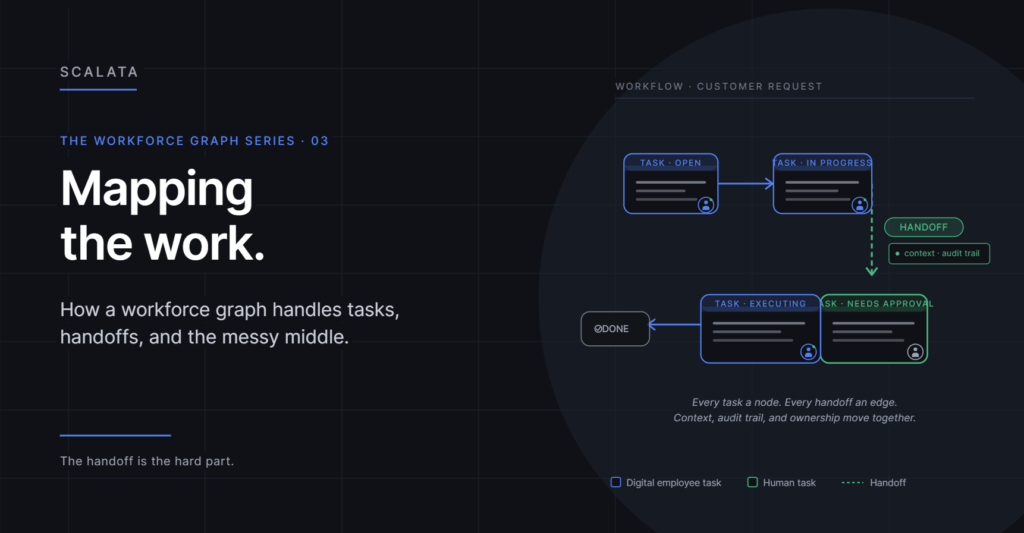
Most conversations about AI in the enterprise jump straight to the exciting part: the agent doing the work. What gets skipped is the boring, decisive part: how the work gets to the agent in the first place, and what happens after.
Work doesn’t live in isolation. It lives in workflows — chains of tasks with triggers, dependencies, handoffs, and escalations. If your digital employee is brilliant at its job but can’t plug into those chains, you haven’t added a worker. You’ve added an island. And the cost of that island is higher than it looks, because every piece of work that touches it now requires a human translator to move it in and out.
This is the problem the Scalata workforce graph is built to solve. Not “how do we make the agent smarter” — that’s a model problem, and the model providers are handling it. The problem worth solving is: how does the agent become part of the machinery of the business?
Tasks and workflows as first-class nodes
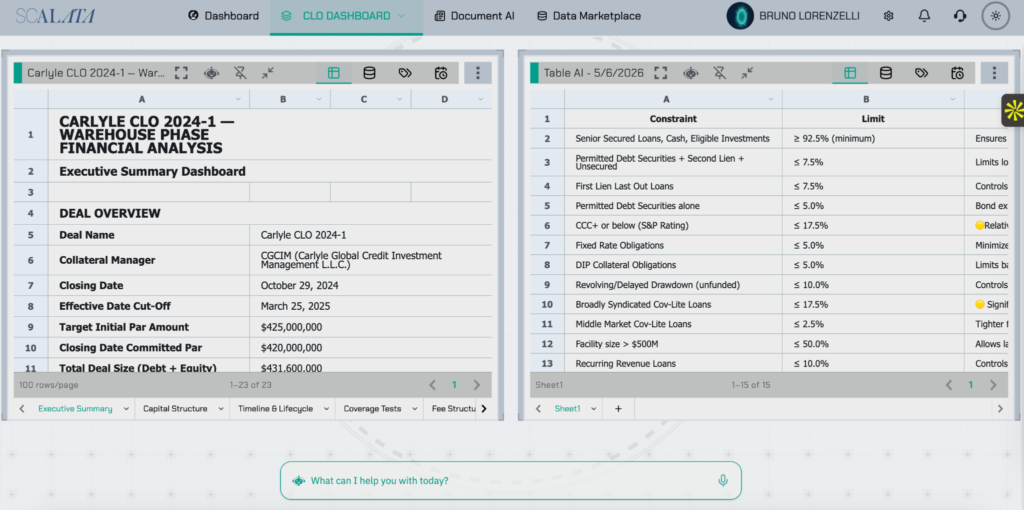
In Scalata, a task isn’t a row in a ticketing system. It’s a node in the graph, connected to everything that matters about it: who created it, who owns it, what it depends on, what it triggers, what tools it touches, what the definition of “done” looks like, what its priority is, how long it’s been open, and what context it carries.
A workflow is a structured set of those task nodes with edges describing the sequence and the conditions. “When X happens, create task Y, assign it to node Z, and block task W until it’s complete.” The workflow isn’t a diagram on a wiki or a flowchart in a process document. It’s a live object in the graph that both humans and digital employees participate in. When you change the workflow, the change is immediate and visible. When you want to ask “how long does this workflow actually take,” the answer is already there, because every task is already a node with timestamps and ownership.
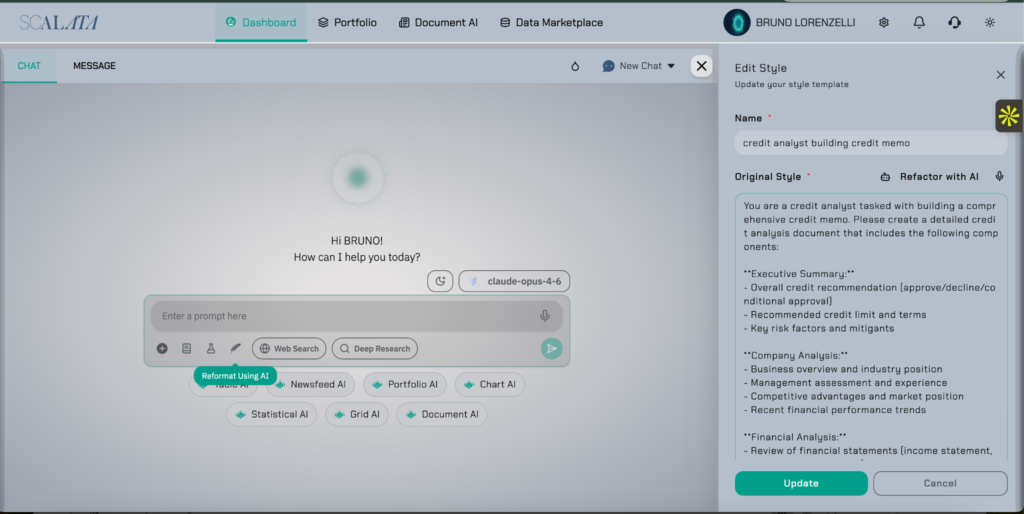
Because tasks and workflows sit in the same graph as the people and person-agents doing them, the assignment problem becomes almost trivial. The graph already knows who’s qualified, who’s available, who has the right permissions, and who usually picks up this kind of work. Routing stops being a human decision made a thousand times a day and starts being a property of the system. The manager who used to spend half her day triaging tickets can spend it on actual managing. The team lead who used to chase status updates gets them automatically.
This isn’t just efficiency. It’s a fundamentally different shape for how work moves through a company.
The handoff is the hard part
If you’ve ever watched work fall apart at a company, you’ve watched a handoff fail. The deal closes but the implementation team doesn’t know. The ticket gets resolved but the customer isn’t notified. The report gets produced but the person who needed it has moved on. The candidate accepts the offer but no one tells IT to provision their laptop.
Handoffs are where information gets dropped on the floor. They’re also, not coincidentally, where most digital-employee deployments fail. A great agent that can’t hand off cleanly to a human — and receive clean handoffs back — is worse than no agent at all, because now you’ve added a new seam for work to fall through. Worse, it’s a seam nobody was trained to watch. When a human drops a handoff, other humans usually notice. When an agent drops one, it can be weeks before anyone does.
A workforce graph treats the handoff as an edge with semantics. It knows who’s handing off to whom, what context travels with the work, what state the work needs to be in, and what happens if the receiver isn’t available. When a digital employee finishes its part and the work moves to a human, the context comes with it — pre-packaged, in the graph, attached to the task node. No reconstruction. No “let me get caught up.” The graph is already the shared state.
This changes what collaboration between humans and digital employees actually feels like. Instead of the human having to decode what the agent did, the human sees the task node and already has everything: what was asked, what was done, what decisions were made, what’s left to decide, what the blockers are. The handoff becomes a one-click continuation, not a forensic exercise.
And it works in the other direction too. When a human finishes their part and hands off to a digital employee, the agent picks up the same rich context. It doesn’t have to guess what the human meant. The graph carries intent, state, and history together.
Escalation, by construction
The same structure handles escalation. Every node in the graph has relationships that describe what happens when things go wrong: the human manager a digital employee reports to, the team that owns a workflow, the on-call rotation for a given system, the fallback path when a primary owner is unavailable.
When a digital employee hits something it can’t or shouldn’t handle — a policy exception, an ambiguous customer, a novel situation, a request that falls outside its permissions — it doesn’t guess. It walks an edge. The graph tells it where to go, and the human on the other end gets the work with full context already attached, usually with a note from the agent explaining why it escalated and what it would recommend.
This is what governance looks like in practice. Not a document that says “the agent should escalate when…” followed by three bullet points nobody can enforce. A structure where escalation paths are edges in the graph, visible, auditable, and changeable centrally. You don’t update an escalation policy by sending an email. You edit the graph. Every digital employee on that edge instantly behaves according to the new rule.
This matters enormously for regulated industries, but it matters almost as much for unregulated ones. The companies that get AI governance right are going to move faster than the ones that don’t, because governance done right doesn’t slow you down — it lets you deploy with confidence instead of deploying with anxiety.
The compounding effect
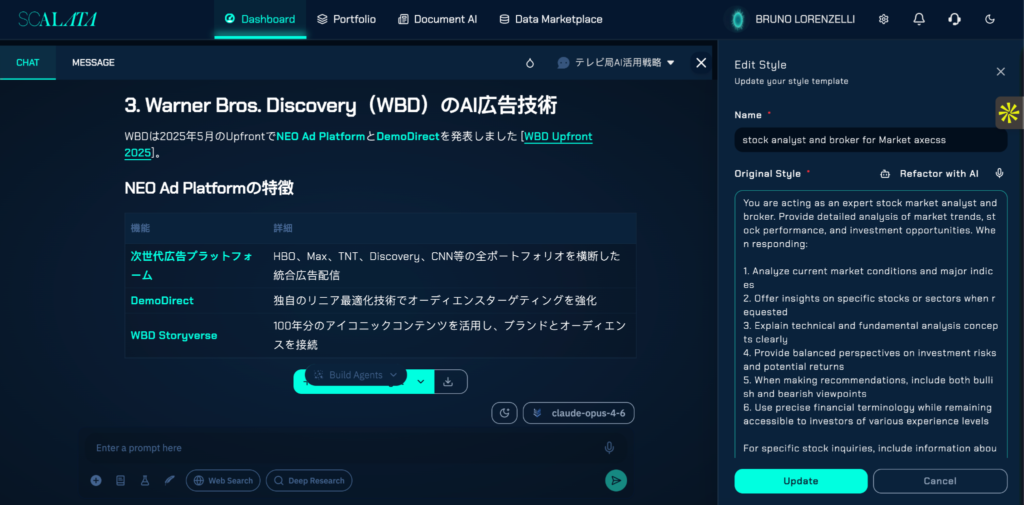
Here’s what makes the graph approach compound over time: every task completed, every handoff made, every escalation resolved leaves a trace in the graph. Over months, you’re not just running your workforce — you’re observing it. And observation, at scale, becomes insight.
You learn which workflows are actually being followed and which are being routed around. (Every company has workflows that people silently bypass because the official process is slower than the unofficial one. A graph makes that visible.) You learn which handoffs are slow, and why. You learn where a digital employee could take more responsibility, and where a human is doing work that should have been automated six months ago. You learn where the bottlenecks genuinely are, as opposed to where people think they are — and these are rarely the same place.
You also learn things you weren’t looking for. A workflow that always escalates to the same person might be telling you that person’s decision should be codified. A task type that has a 30% re-work rate might be telling you the instructions upstream are unclear. A digital employee whose escalation rate climbs over time might be telling you the input distribution has shifted and the agent needs retraining. None of these patterns are visible in a ticketing system. All of them are visible in a graph.
A spreadsheet-based workforce can’t tell you any of this. A graph-based workforce tells you by default. The analytics aren’t a separate product — they’re a property of running on this substrate.
How Scalata handles this differently
Workflow tools are everywhere. Most enterprises have three or four already — a ticketing system, a process automation tool, an iPaaS, an RPA platform, maybe an agent vendor or two. So why does Scalata exist? Because none of those tools was built to handle hybrid work — the kind where humans and digital employees pass tasks back and forth dozens of times a day, under regulatory scrutiny, across systems with different controls.
Here’s where Scalata pulls ahead of the alternatives:
- Handoff context is preserved as a regulated artifact. When a Scalata digital employee hands work to a human, the entire context — inputs, intermediate decisions, tools touched, data accessed — travels as a structured record attached to the task node. For regulated industries, this is the difference between “we believe the agent did the right thing” and “here is the exact evidence trail, queryable on demand.” Most agent platforms preserve a chat transcript. Scalata preserves a workforce-grade audit trail.
- Escalations enforce policy, not preference. With most platforms, escalation rules are documented somewhere and hopefully followed. In Scalata, escalation is an edge — the agent literally cannot bypass it. If your policy says “any refund over $5,000 must be approved by a human in finance,” Scalata enforces that as a structural property of the graph. The agent has no path to do otherwise.
- Workflows are versioned and auditable. Compliance teams need to know not just what a workflow does today, but what it did six months ago, when a specific transaction happened. Scalata versions every workflow change, with the human or system that made it. RPA tools and agent platforms generally don’t — they replace, they don’t preserve. When the regulator asks, “what was your process on March 14?”, we have an answer.
- Cross-workflow analytics are native. Most platforms can show you metrics for one workflow at a time. Scalata can answer questions across the entire workforce: which workflows touched which customers, which digital employees worked on which regulated transactions, where the same data flowed across multiple processes. This kind of analysis is mandatory for some industries and impossible to assemble after the fact.
- The same substrate works for humans and digital employees. Most workflow tools assume one or the other — RPA platforms automate machines, ticketing platforms route to humans, agent platforms target the agent. Scalata is built around the assumption that real workflows mix both, and the graph treats them symmetrically. A human and a digital employee can hold the exact same role in a workflow, and switching between them is a configuration change, not a re-implementation.
- Defensible by design, not by patching. When something goes wrong — and at scale, something always does — the question is how easily you can demonstrate what happened, why, and what’s been done about it. Scalata’s graph makes that demonstration straightforward. Tools that bolted compliance onto an originally consumer-grade architecture struggle here, sometimes fatally.
These differences aren’t theoretical. They’re the reasons Scalata wins in deals where the buyer’s general counsel, CISO, and head of compliance are in the room — which, in regulated industries, is most deals.
The point
The digital employee is only as useful as the workflow it’s embedded in. A world-class agent in a broken workflow produces world-class outputs nobody can use. A mediocre agent in a well-structured workflow produces reliable, auditable, compounding value. The workflow is where the leverage is.
Build the graph first, and the agents slot in naturally. Bolt agents on without one, and you’ll spend the next two years cleaning up the mess — renaming things, rewriting runbooks, discovering agents you forgot you deployed, and trying to figure out who owns what. We’ve seen enough companies try the second path to know how it ends.
In the next post: what it actually means to build a person-agent and attach it to a node in the graph — identity, skills, permissions, relationships, and the anatomy of a digital employee that behaves like a real member of your team.
